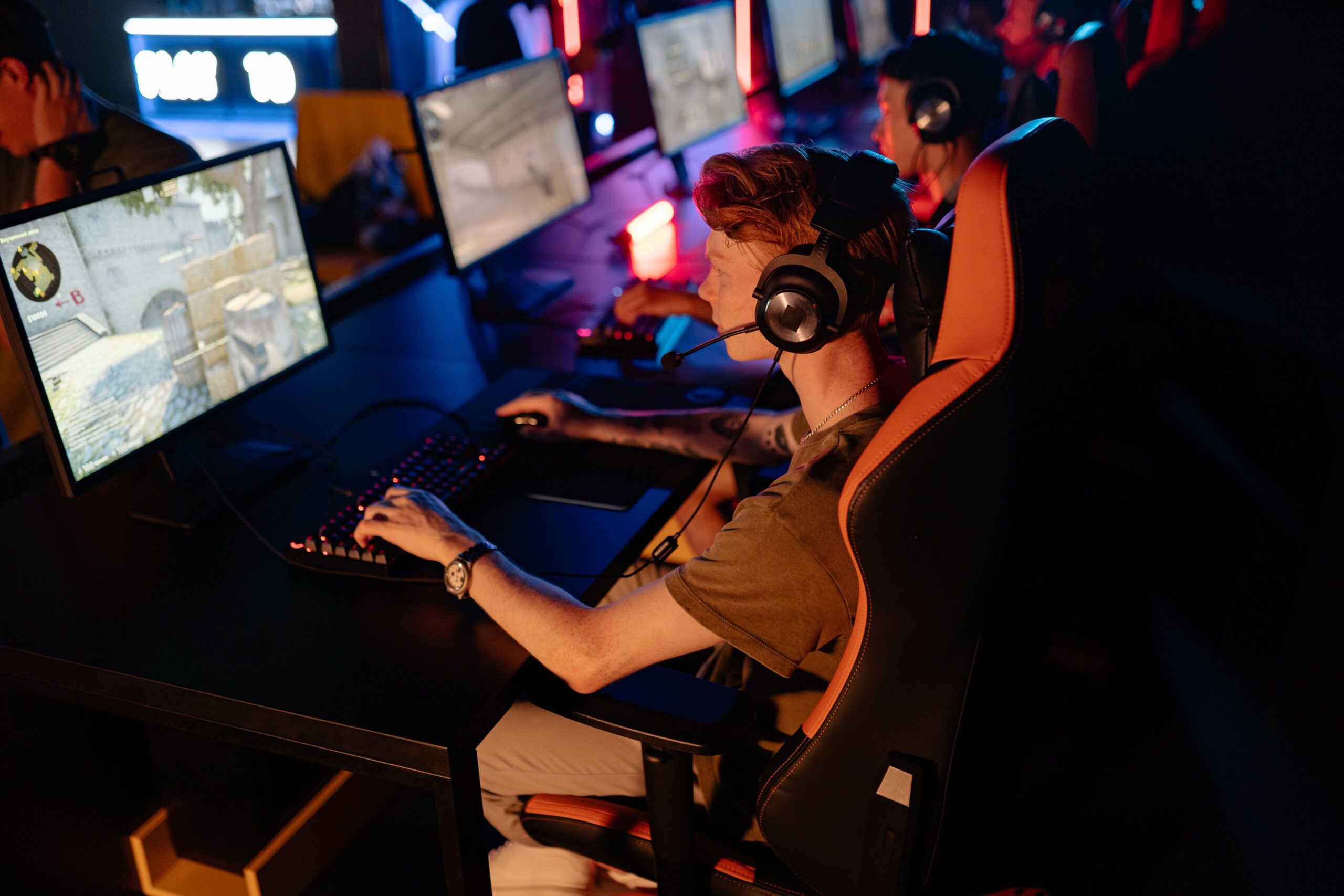
Most small esports teams do not have a branding problem because they lack enough graphics. They have one because every graphic looks like it came from a different team.
A recruitment post uses one logo. A tournament announcement uses another color palette. A sponsor tile has a third typeface, plus an AI-generated mascot nobody can reproduce next week. The result is activity without identity.
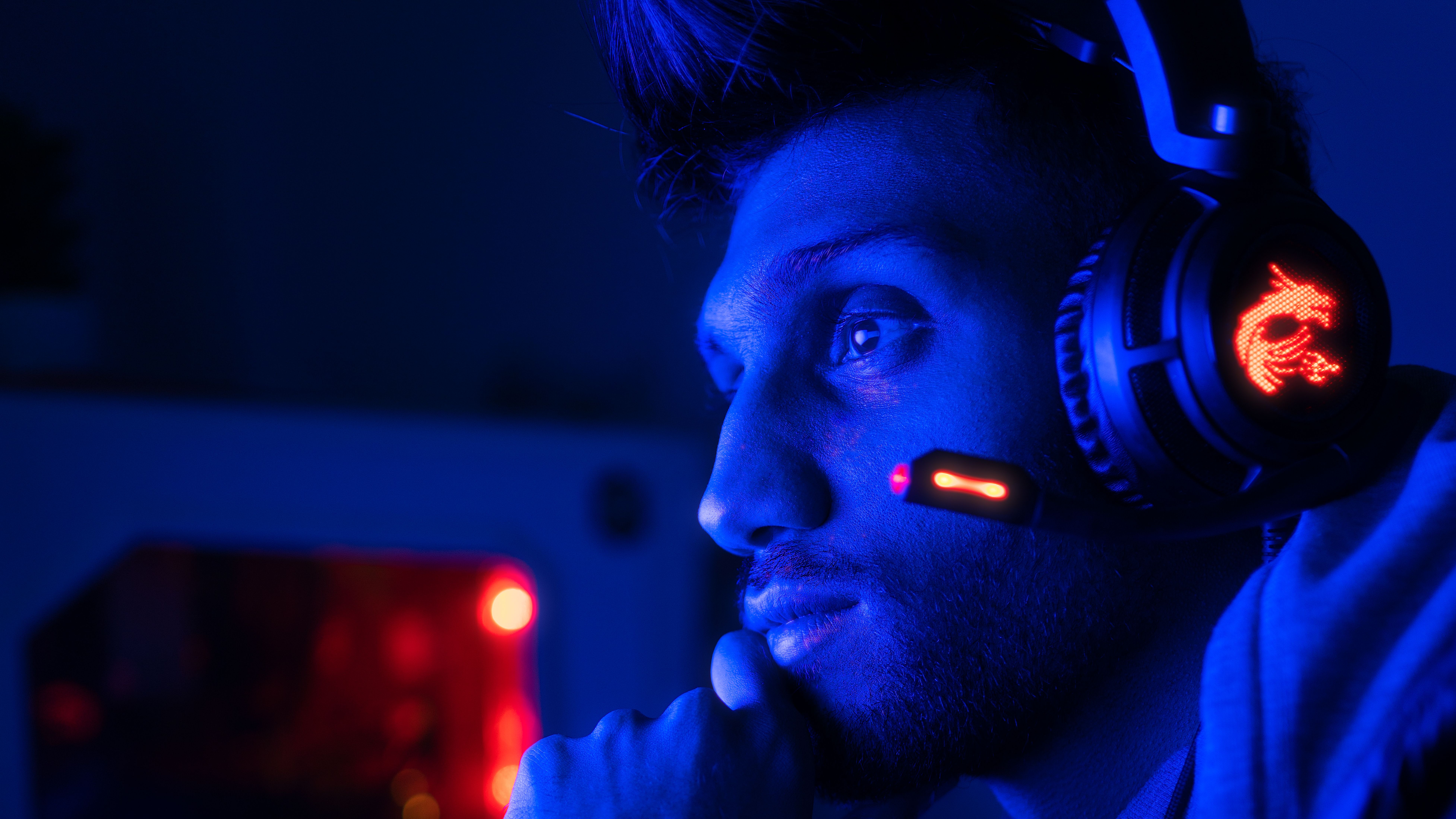
The useful role for AI-powered ad tools is not replacing a creative director. It is making a small team’s decisions repeatable: the same visual tension, the same voice, the same call to action, and the same recognizable treatment across dozens of modest assets.
Start with a team signal, not a prompt
Before opening an AI design tool, write one sentence that describes what the team should feel like. “Competitive gaming team” is too broad. “Calm, surgical, and slightly intimidating” gives a designer, human or artificial, something to work with.
Turn that sentence into a compact identity sheet:
- Three adjectives: the emotional territory the team owns.
- One visual contrast: such as ice-blue light against charcoal backgrounds, or warm orange against near-black.
- One type rule: for example, condensed uppercase headlines with sentence-case supporting copy.
- One motion rule: slow camera pushes, sharp cuts, scan lines, or no decorative motion at all.
- One verbal habit: short sentences, tactical language, dry humor, or a challenge to the opponent.
That sheet matters more than the tool. AI can generate ten layouts quickly, but it cannot decide what your team should be remembered for. My view is that a budget team should deliberately own fewer visual ingredients. Repetition is not a lack of imagination here; it is how a new name becomes familiar.
Build a small asset system before building ads
Do not begin with a campaign calendar. Begin with five reusable components:
- A primary logo lockup that remains legible at small sizes.
- A secondary mark or monogram for avatars, scorecards, and profile images.
- A background treatment, such as a gradient, texture, grid, or lighting style.
- A headline style with a fixed placement and maximum length.
- A single action phrase, such as “Watch the run,” “Join the roster,” or “Get the drop.”
Use an AI-powered design workflow to explore variations of those components, then choose a controlled set. Do not let the tool quietly change the logo, team colors, or type treatment from one export to the next.
Adobe’s advertisement maker is useful in this stage because the job is not merely to generate an image. It is to turn one approved identity into multiple ad-shaped layouts for announcements, recruitment, streams, merchandise, and sponsor messages.

The low-budget production loop
A practical workflow has four passes. Keeping them separate prevents the familiar failure mode in which an AI tool writes the message, invents the art direction, changes the format, and makes the final judgment all at once.
1. Write one brief per asset
Each brief should contain the audience, the single message, the desired action, the format, and the identity rules. “Make a cool esports ad” is not a brief. “For players who watch our Friday stream, announce the semifinal at 19:00, use the blue-on-charcoal treatment, and end with ‘Watch the run’” is.
2. Generate breadth, then remove aggressively
Ask for several compositions, not several identities. Keep the logo placement, palette, and headline language fixed while varying the crop, subject, or layout. The best option is often the least spectacular one because it leaves room for the team name and event details.
3. Add facts manually
Never trust generated text for a match time, player handle, sponsor name, prize amount, or URL. AI image tools remain particularly unreliable with exact lettering. Add those details in the editor, where someone can proofread them.
4. Export a family, not a one-off
For each campaign, make a hero image, a square social tile, a vertical story or short-video frame, and a smaller reminder asset. They should look related at a glance. This is where a small team gets leverage: one approved concept becomes a week of coherent communication instead of one expensive-looking post.
Design for the feed before designing for the desktop
Most esports discovery happens in fast-moving feeds. The first frame must communicate the team, the event, and the reason to care without requiring a reader to stop and decode a poster.
Meta’s guidance for cost-effective creative specifically recommends simple, eye-catching concepts, mobile production, movement, and carousel formats when a full video shoot is out of reach. Its help guidance also recommends vertical or square formats and concise text for mobile placements. Treat those recommendations as production constraints, not commandments: a strong team identity still matters more than blindly matching a format.
- Put the team mark in a predictable corner or zone.
- Keep the main message to one idea.
- Use high contrast between the subject and the background.
- Leave breathing room where platform controls or captions may appear.
- Make the first frame understandable with sound off.
For short video, build around a simple sequence: recognizable team frame, competitive moment, concrete event detail, then the action phrase. A montage of random kills can look impressive and still fail to explain who is playing, when, or why the viewer should return.
AI can accelerate production; it cannot solve trust
There is a second budget risk beyond bad design: unclear ownership. A generated mascot may resemble a known character. A background may contain an accidental logo. A partner model may have commercial terms your team has not read.
Adobe’s documentation distinguishes its “commercially safe” Firefly outputs from partner-model outputs and says teams should review the relevant terms before using partner-model content commercially. Adobe also describes Content Credentials as metadata that can record how content was created, including whether generative AI was involved. Those features do not replace legal review, but they give a team a better record of its production process.
Keep a basic asset log:
- Source asset or prompt used.
- Tool and model used.
- Human edits made after generation.
- License or terms checked.
- Person who approved the final export.
That may sound excessive for a volunteer roster. It is not. The log becomes valuable the first time a sponsor asks where an image came from, or when a player leaves and the team needs to recreate the same campaign without guessing.
Where to spend the small budget
If money is limited, do not spread it evenly across every channel. Spend on the parts AI is least good at replacing:
- A proper identity review: pay for a human to check legibility, distinctiveness, and consistency.
- Original team photography or footage: even a controlled webcam session can produce authentic player material.
- One reusable template system: the team should be able to produce a correct announcement without starting from a blank canvas.
- Testing one variable at a time: compare the hook, image, or call to action, rather than changing everything and learning nothing.
I would not spend the first budget on a large batch of elaborate AI illustrations. They create visual novelty, but novelty is not the same as recall. A clean, repeatable system with real players and clear event information usually gives a developing team a better foundation.
Keep the team identity intact as the roster changes
Esports teams are fluid. Players join, leave, change handles, and compete in different titles. The identity should survive those changes.
Make the player the variable and the frame the constant. Give each player a consistent portrait treatment, nameplate, role label, and crop. When a new player joins, the audience should see a new person inside a familiar world, not a full rebrand.
For collaborators, TikTok’s Business Center describes tools for centralizing assets, managing access, inviting members, and tracking campaign performance. The operational lesson is more important than the platform: keep brand files in a shared, permissioned location instead of scattering final versions across private chats and personal drives.
A simple pre-publish check
Before any AI-assisted ad goes live, ask five questions:
- Can someone identify the team in the first second?
- Is there one clear message rather than a stack of announcements?
- Are every name, date, time, sponsor mark, and URL correct?
- Does the asset still work on a small phone screen and with sound off?
- Could the team recreate this look next week without the original designer?
If the answer to the last question is no, the asset is not a system yet. It is a lucky result.
Methodology
This article was written for small or emerging esports teams deciding how to use AI in low-cost advertising without losing a recognizable identity. The workflow recommendations were checked against current guidance from Meta on cost-effective ad creative, TikTok’s Business Center documentation on collaboration and asset management, and Adobe documentation on commercial use and Content Credentials. Tool features and platform recommendations change, so review their current terms and format guidance before a paid campaign. No performance guarantee is implied, and no specific ad spend or conversion benchmark is presented because results depend on the game, audience, creative, and distribution.
Frequently asked questions
What is the best AI tool for esports branding on a budget?
The best tool is the one that lets the team reuse approved colors, fonts, logos, layouts, and export sizes consistently. Choose a workflow that supports templates and human editing, not only one-click image generation.
Can AI create a complete esports team logo?
It can help explore directions, but a human should finalize the logo. Check small-size legibility, originality, typography, and whether the mark can be reproduced in monochrome, embroidery, and video overlays.
How many visual styles should a new esports team use?
Start with one core system and a limited set of variations. Change the content and composition when needed, but keep the palette, type treatment, logo behavior, and tone recognizable.
Should esports ads use AI-generated players or game scenes?
Use real team footage or licensed game material when authenticity matters. AI-generated scenes can support backgrounds or concepts, but invented players and inaccurate game details can weaken trust.
How can a small team avoid AI copyright problems?
Record the source of each asset, review the tool’s commercial terms, avoid prompts that request recognizable characters or brands, and have a human inspect every final image for accidental third-party marks.
What should an esports ad say?
Give the viewer one concrete reason to act: watch a match, join a tryout, follow a stream, buy a limited item, or meet the team. Include the relevant date or destination, and remove any copy that does not support that action.